

Getting Started with TI-RTOS
Getting Started with TI-RTOS is an in-depth workshop developed in association with Texas Instruments that quickly teaches production-level skills to craft code on any platform that supports TI-RTOS.
Formerly known as SYS/BIOS, or just BIOS, TI-RTOS is a real-time operating system (RTOS) used on some Texas Instruments processor/MCU platforms—SimpleLink (MSP432X, CC13XX, CC26XX, CC32XX), Cortex M3/M4, Cortex A8/9/15, Multi-core (C66X), C6000, or C2000.
This on-demand workshop provides hands-on, accelerated learning that takes you from zero to fluent in just days, saving weeks or months of development time.
NOTE: Because TI-RTOS is currently in long-term maintenance, you will need to use CCSv12.8 or earlier and older SDKs for your target.

Supported TI MCU Families
MSP432E4xx
CC13xx/CC26xx
CC32xx
C2000
AM335x
C6000
The workshop data sheet lists the course agenda and all supported targets, SDKs, and CCS versions.

What you learn
How to successfully install Code Composer Studio (CCS), Software Development Kit (SDK), and verify the tools have been installed properly
In-depth, extensive hands-on use of CCS and TI’s software driver libraries (driverlib, SDK, etc.)
Working knowledge of the TI-RTOS Kernel (aka SYS/BIOS, BIOS) and the various thread types—Hwi, Swi, Task, Idle—and why/when to use them
How the device hardware (interrupts and timers) interact with TI-RTOS
How to create a new TI-RTOS-based CCS project using dependent or independent TI-RTOS configuration projects
Program peripherals such as GPIO to toggle an LED on the target hardware
How to use additional TI-RTOS services such as Semaphore, Mailbox, Clock Functions, Event
Comprehensive use of instrumentation and visualization tools such as the RTOS Object Viewer (ROV), Unified Instrumentation Architecture (UIA) and RTOS Analyzer—CPU Load, Execution Graph, Task Load, Log_printf(), loggers
“For a 6-month development project, expect this training to save you 1-2 weeks up front and 2-3 weeks or more on the back end—easily paying for itself many times over.”

Your one-stop solution
COST EFFECTIVE
Get up to speed in days instead of weeks and accelerate time to market
PRODUCTION-LEVEL SKILLS
Confidently build clean, high quality code that is easy to maintain and reuse
FLEXIBLE LEARNING
Train at any pace or level—novice to expert
EXPERT CLEAR INSTRUCTION
Learn from experienced engineer/instructors who walk step-by-step through practical details that make things work
HANDS-ON LABS
Apply concepts with hands-on, tested labs that work the first time
CODE FRAMEWORKS
Use our building blocks to get a head start on your application.
LIFETIME AVAILABILITY
Keep on-demand access for the the lifetime of the course

Who’s teaching
While working for Texas Instruments, Eric Wilbur and Scott Specker created and taught the TI-RTOS workshop to customers worldwide. Since 2015, they have continued to update and offer this course in association with Texas Instruments as well as redesigned the class for FreeRTOS. As TI has introduced new MCUs to the market, Eric and Scott have kept up with the latest products and support/test almost all TI MCUs using the latest SDKs and CCS versions.
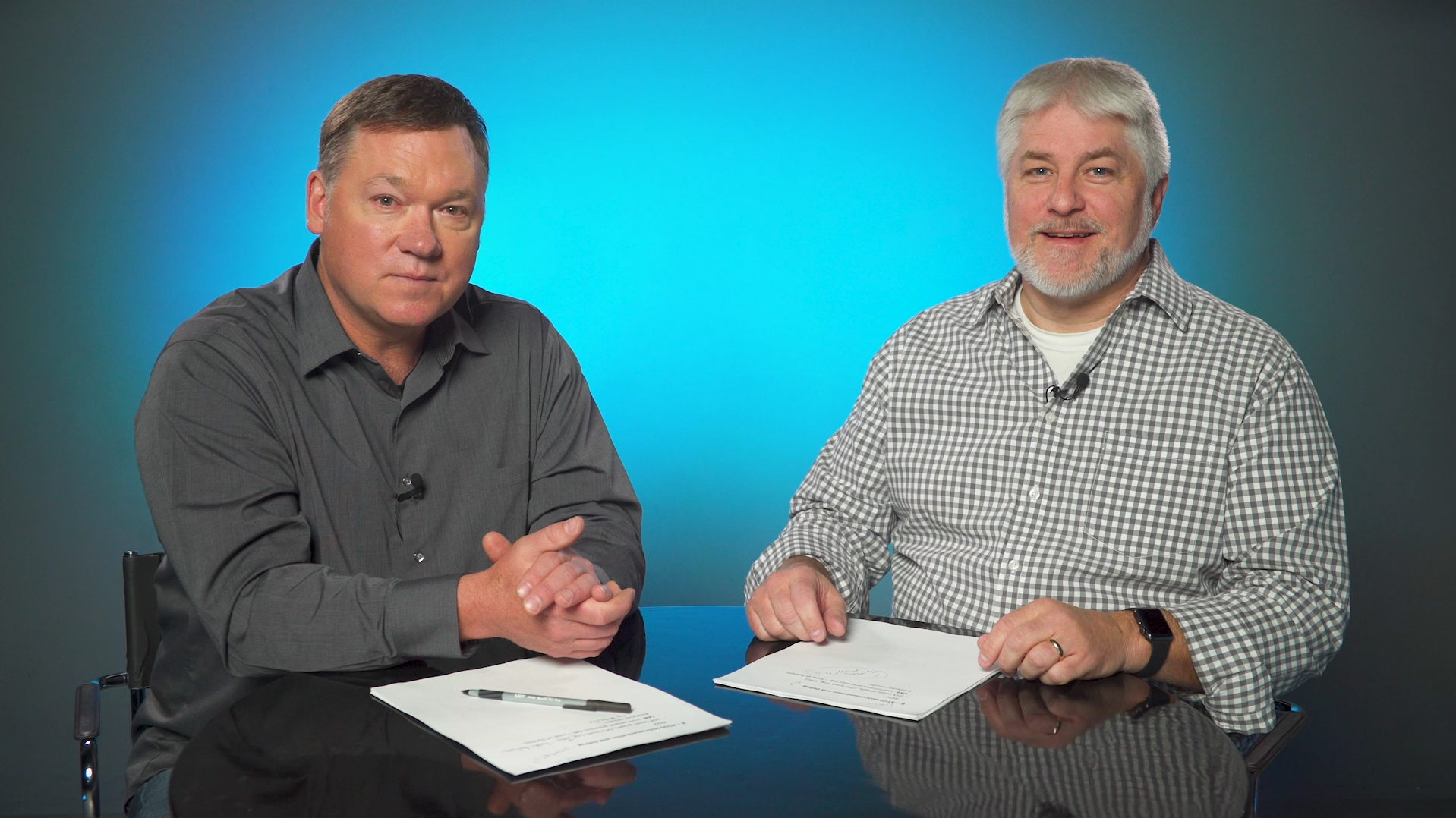
Eric Wilbur & Scott Specker, Workshop Authors/Instructors
MASTER INSTRUCTORS
Eric and Scott each have 10,000+ hours classroom experience training 4,000+ engineers at over 70 companies on DSPs, MCUs, MPUs, RTOS, and Linux O/S.
EXPERT DEVELOPERS
As course developers, they have created over 30 multi-day workshops as well as thousands of pages of user manuals, start-up guides, app notes and wiki pages.
EXPERIENCED ENGINEERS
Eric and Scott have each worked in the industry for 30+ years, helping customers navigate hundreds of processors, development kits, software packages, and operating systems.
“...clearly an expert in the subject matter and dynamic in his presentation skills, always keeping the audience engaged and interested. ”
What you need

HARDWARE
Computer/laptop and Launchpad or EVM on desired target (purchase from TI eStore)

SOFTWARE
Code Composer Studio (CCS) v12.8 and target software development kit (SDK)

COURSE ACCESS
$197 individual enrollment required for each student

REQUIRED TIME
16-24 hours to completion at your own pace
What you get

AVAILABILITY
instant access for course lifetime

LECTURES
57 on-demand video lectures

VIDEO
7 total hours video instruction

LABS
19 written
hands-on labs

PDF MANUAL
downloadable for individual use

SUPPORT
ask questions by comment or email
Enroll now for $197
To enroll in Getting Started with TI-RTOS, click on your desired target device below. Each student must purchase individual access. If your device is not listed, note that any user on any TI platform that supports TI-RTOS will learn a great deal about the kernel (SYS/BIOS) because most materials and labs focus on TI-RTOS, not architecture.

