
Getting Started with TI MCUs
Getting Started with TI Microcontrollers (MCUs) quickly teaches production-level skills to craft code on a wide variety of TI MCUs. Developed in association with Texas Instruments, this in-depth workshop provides hands-on, accelerated learning that takes you from zero to fluent in just days—saving weeks or months of development time.
Although getting started with a new microcontroller (MCU) device can seem daunting, this course takes you step-by-step through the basics—making learning both easy and fun. From installation to interrupts, you’ll be up and running quickly. Whether you’re working with TI's wireless SimpleLink microcontrollers, the new MSPM0 family of MCUs, or one of several other TI MCUs, this course supports the architectures listed here.
Because our courses are based on the most popular board for each supported microcontroller family, we recommend purchasing the specific board we support. If your device does not exactly match the one on the board we support, many students purchase two boards—the board we specify and the board for their specific MCU. In this case, we recommend doing each lab on the board we support first (to learn the concepts) and then trying it on your own device from the same MCU family.
If you plan to use FreeRTOS, we recommend purchasing the Getting Started with FreeRTOS workshop because it is bundled with the MCU workshop. The MCU workshop is a prerequisite to the FreeRTOS workshop because it covers basics such as tools, software installation, and setup (CCS, SDK) as well as fundamental use of the most common peripherals such as GPIO, timers and interrupts. These topics are not repeated in the FreeRTOS class.

Supported TI MCU Families
C2000
MSPM0+
MSP432E4xx
CC13xx/CC26xx
CC2340
CC32xx
This workshop includes ALL targets listed—seven microcontroller families.

What you learn
How to successfully install Code Composer Studio (CCS), Software Development Kits (SDK), and verify the tools have been installed properly
In-depth, extensive hands-on use of CCS and TI’s software libraries (drivers, driverlib, SDK, etc.)
Using TI's new System Configuration tool to access the hardware peripherals
How to configure and use the pins on your device (for example, lighting an LED using GPIO)
Reading a push-button switch connected to one of the pins
All about hardware interrupts—What are interrupts? How do they work
Configuring and responding to interrupts using TI's software libraries
Creating periodic events using Timers—how they work, essential features, and what is PWM
Generating interrupts using Timers
“For a 6-month development project, expect this training to save you 1-2 weeks up front and 2-3 weeks or more on the back end—easily paying for itself many times over.”

Your one-stop solution
COST EFFECTIVE
Get up to speed in days instead of weeks and accelerate time to market
PRODUCTION-LEVEL SKILLS
Confidently build clean, high quality code that is easy to maintain and reuse
FLEXIBLE LEARNING
Train at any pace or level—novice to expert
EXPERT CLEAR INSTRUCTION
Learn from experienced engineer/instructors who walk step-by-step through practical details that make things work
HANDS-ON LABS
Apply concepts with hands-on, tested labs that work the first time
CODE FRAMEWORKS
Use our building blocks to get a head start on your application.
UP-TO-DATE CONTENT
Use the latest software, tools, and hardware with regular workshop updates
LIFETIME AVAILABILITY
Keep on-demand access for the the lifetime of the course

Who’s teaching
While working for Texas Instruments, Eric Wilbur and Scott Specker created and taught Microcontroller, DSP, and RTOS workshops to customers worldwide. Since 2015, they have continued to offer classes in association with Texas Instruments. Eric and Scott test and maintain course content as TI updates and releases the latest SDKs and CCS versions.
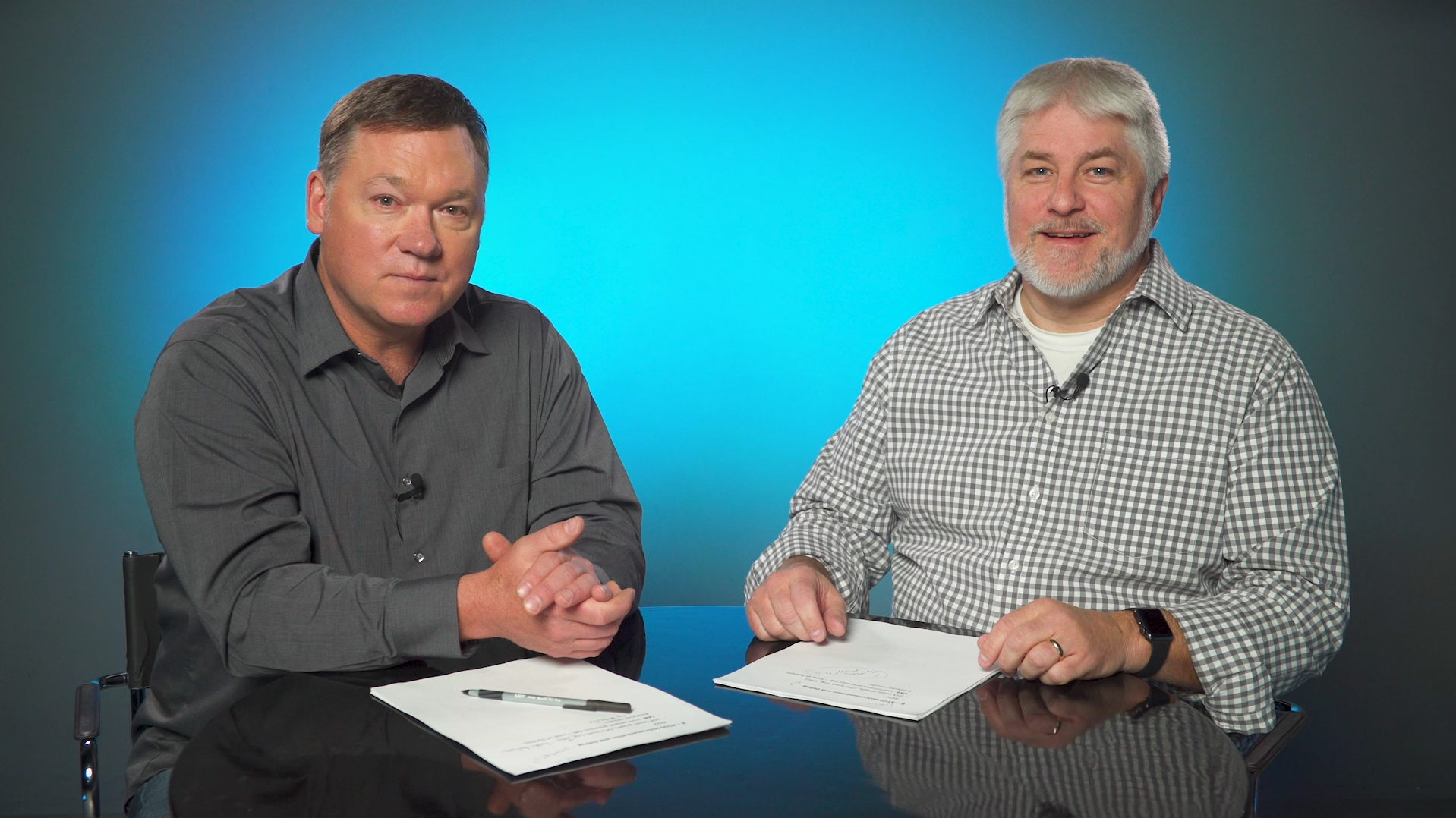
Eric Wilbur & Scott Specker, Workshop Authors/Instructors
MASTER INSTRUCTORS
Eric and Scott each have 10,000+ hours classroom experience training 4,000+ engineers at over 70 companies on DSPs, MCUs, MPUs, RTOS, and Linux O/S.
EXPERT DEVELOPERS
As course developers, they have created over 30 multi-day workshops as well as thousands of pages of user manuals, start-up guides, app notes and wiki pages.
EXPERIENCED ENGINEERS
Eric and Scott have each worked in the industry for 30+ years, helping customers navigate hundreds of processors, development kits, software packages, and operating systems.
“...clearly an expert in the subject matter and dynamic in his presentation skills, always keeping the audience engaged and interested. ”
What you need

HARDWARE
Computer/laptop and Launchpad or EVM on desired target (purchase from TI eStore)

SOFTWARE
Code Composer Studio (CCS) v12+ and target software development kit (SDK)

COURSE ACCESS
$97 individual enrollment required for each student

REQUIRED TIME
16-24 hours to completion at your own pace
What you get

AVAILABILITY
instant access for course lifetime

LECTURES
40 on-demand video lectures

VIDEO
5 total hours video instruction

LABS
8 written
hands-on labs

PDF MANUAL
downloadable for individual use

SUPPORT
ask questions by comment or email